I've been a multi-window, multi-tab, multi-project browser person for as long as I've had a browser. Not because I lack discipline — because that's genuinely how the work moves. Client projects, research threads, tool stacks, half-finished documents, reference tabs I'm absolutely certain I'll need again in ten minutes.
At some point I stopped counting how many tabs I had open and just accepted the chaos as a personality trait.
Then one Monday morning it cost me twenty minutes I didn't have.
The morning that broke me
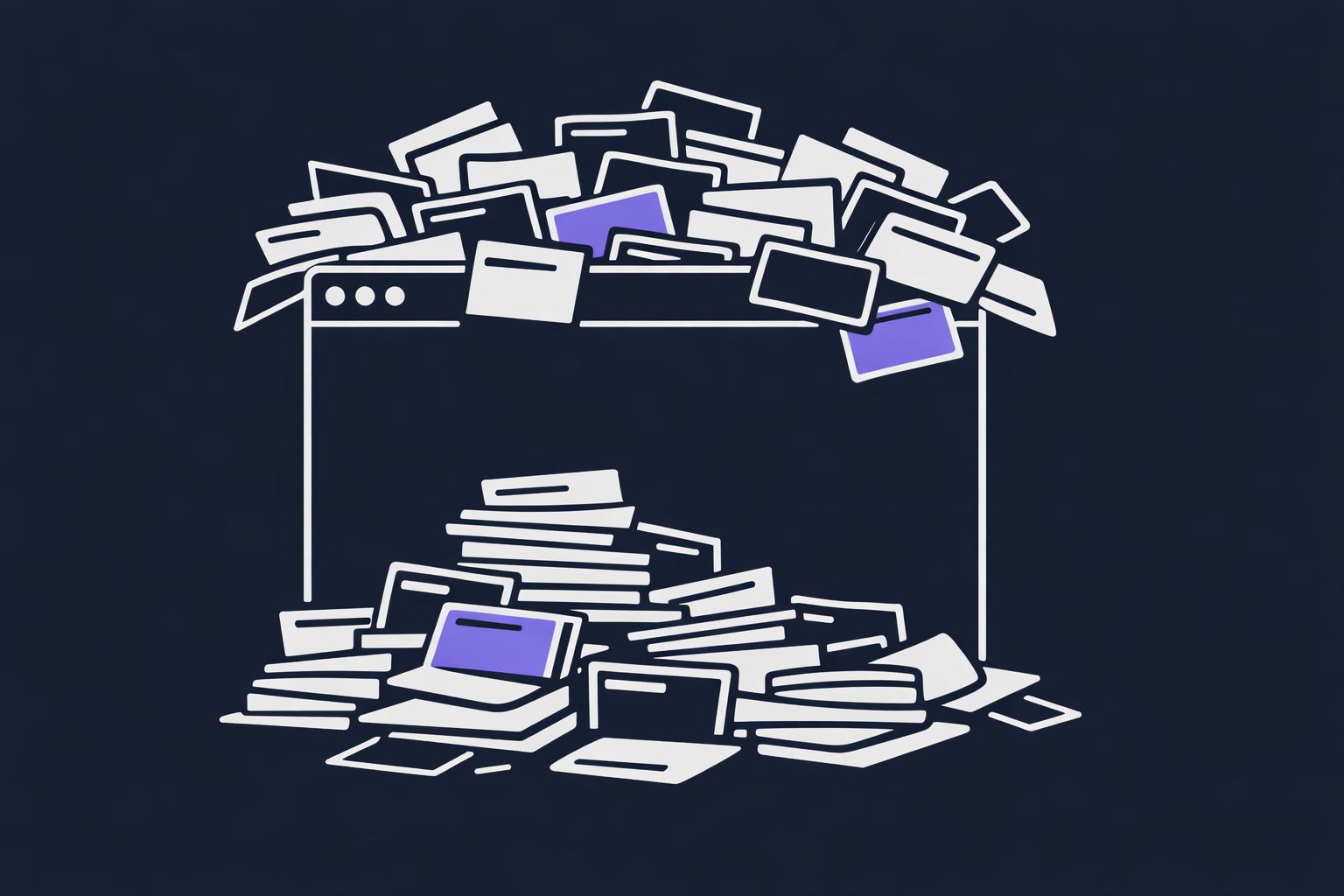
I had a client project in full swing. Notes open. Two reference tabs. A staging environment. A half-written email I'd been crafting between meetings. Everything right where I'd left it.
Then a Slack message: "Can you jump on a quick call?"
Sure. New window. New tabs. The call runs long. Someone drops a link in chat. Now I've got a third window open.
The call ends. I come back to my desk.
And I'm just… lost.
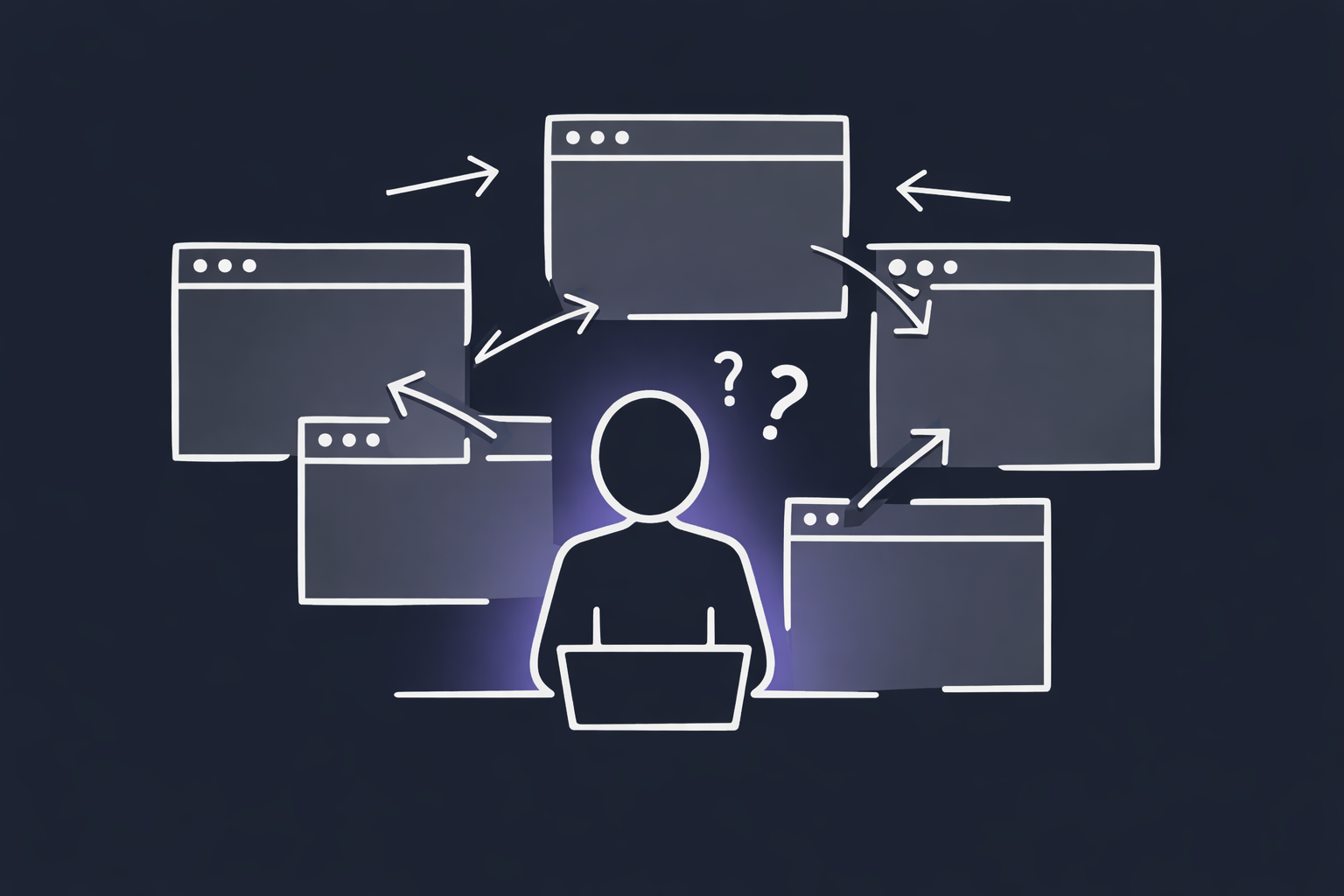
Which window had the client project? Which tab group was the research? Where was the doc I was writing? Why do I have two tabs open that both just say "Home"?
The work hadn't disappeared. But the context had. And rebuilding it — even though every tab was technically still there somewhere — took a surprisingly long time and more mental energy than I wanted to admit.
That wasn't the first time it happened. It was just the first time I decided I was done accepting it.
What I tried first
I did what any reasonable person does — I tried to fix it with tools that already existed.
What was actually missing
After a few weeks of trying everything I could find, I started to see the pattern. Most of these tools were built to manage what's open right now. That's a valid problem — but it wasn't mine.
My problem was restoring a working state I'd defined in advance. Not saving whatever happened to be open — intentionally building a named, organized workspace I could close, walk away from, and reopen tomorrow in exactly the same shape.
What I actually wanted was simple to describe, but apparently hard to find:
- A named, color-coded tab group that opens in its own window
- Defined by a plain file I own and control — not an app's database
- Zero accounts, zero cloud, zero subscription overhead
- Relaunchable in one action, every time, exactly as I defined it
That combination didn't exist. So I built it.
Why PageSets works the way it does
PageSets is a Chrome extension, but the data lives in plain files on your machine — .txt or .json, your choice. You write something like this:
# Client Project — Sprint 4

@name  Client Project
@color blue

https://notion.so/my-project       | Project Notes
https://staging.myapp.com           | Staging
https://github.com/org/repo         | Repo
https://mail.google.com             | Gmail
Save it. Drag it into PageSets. Double-click the card. Chrome opens a new window with all four tabs, already grouped, named "Client Project," colored blue.
Tomorrow morning: double-click again. Same window. Same tabs. Same context — in about two seconds.
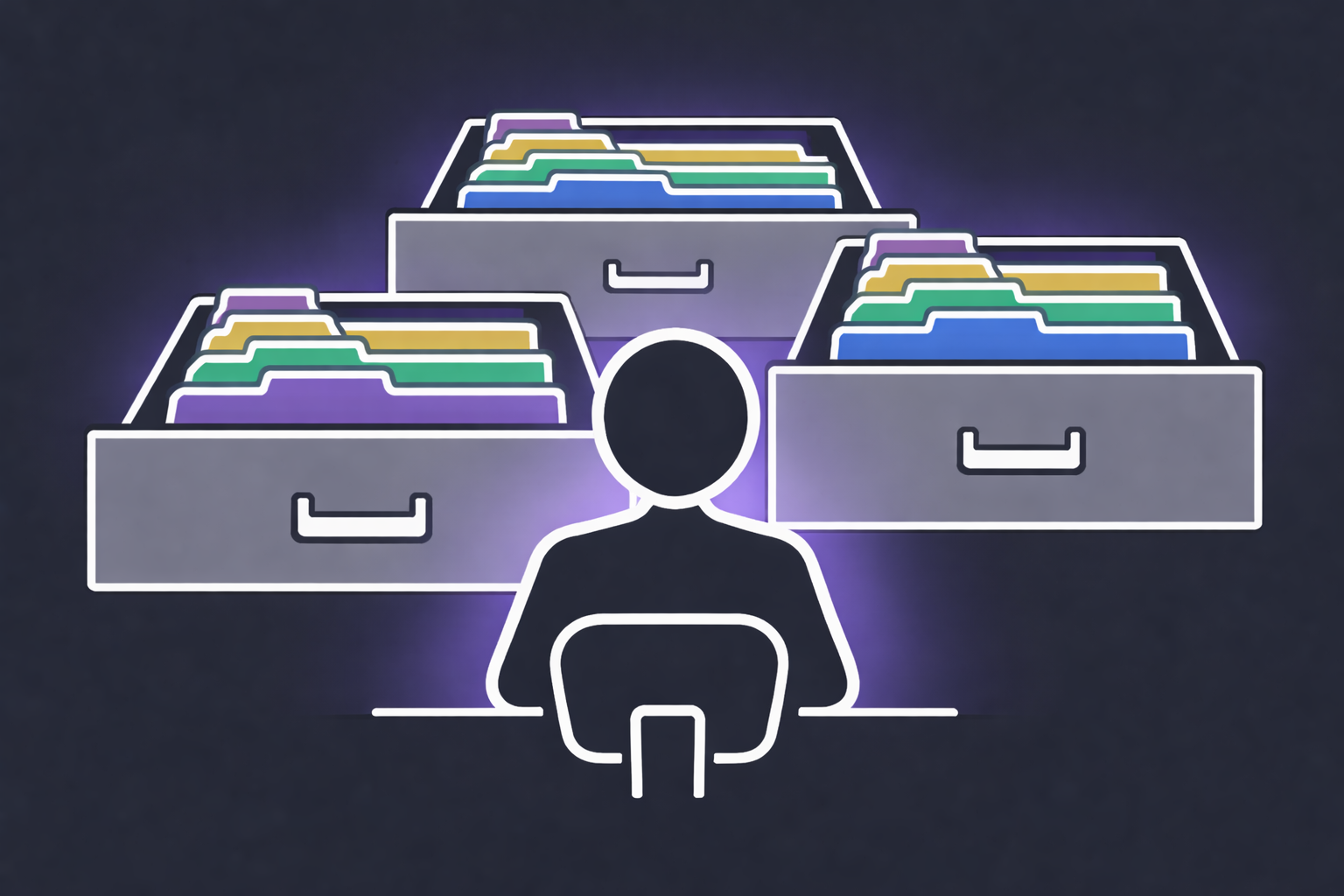
The simplicity is intentional. I wanted a tool that got out of the way. No sync setup. No account. No dashboard to manage. Your files stay on your device — if you want them on multiple machines, drop them in iCloud or Dropbox. That's your call, not mine.
Who it's for
If you live in your browser — developer, designer, project manager, researcher, content creator, consultant, agency owner — you've felt this friction. The "wait, what was I doing?" tax you pay every time you context-switch.
PageSets is built to eliminate that. The free version handles everyday use. Pro unlocks bigger workspaces, keyboard shortcuts, quick search, and a few things power users will appreciate. But the core — saving and relaunching workspaces from files you control — is free, and always will be.
I built it because I needed it. I made it free because I figured I wasn't the only one.
— Rob Veal · Founder, LumiCore Software
Questions or feedback: support@pagesets.co