Save Tab Groups as PageSets

Name any set of URLs and save it as a PageSet. Think of it as a bookmark folder — but one that opens everything as a properly organized Chrome tab group, with your chosen name and color, in one click.

Each PageSet remembers the URLs you care about for a specific project, client, or task.

  • Name your PageSet anything you like
  • Choose a tab group color (8 Chrome-native colors)
  • Add as many URLs as you need
  • Edit or update PageSets anytime
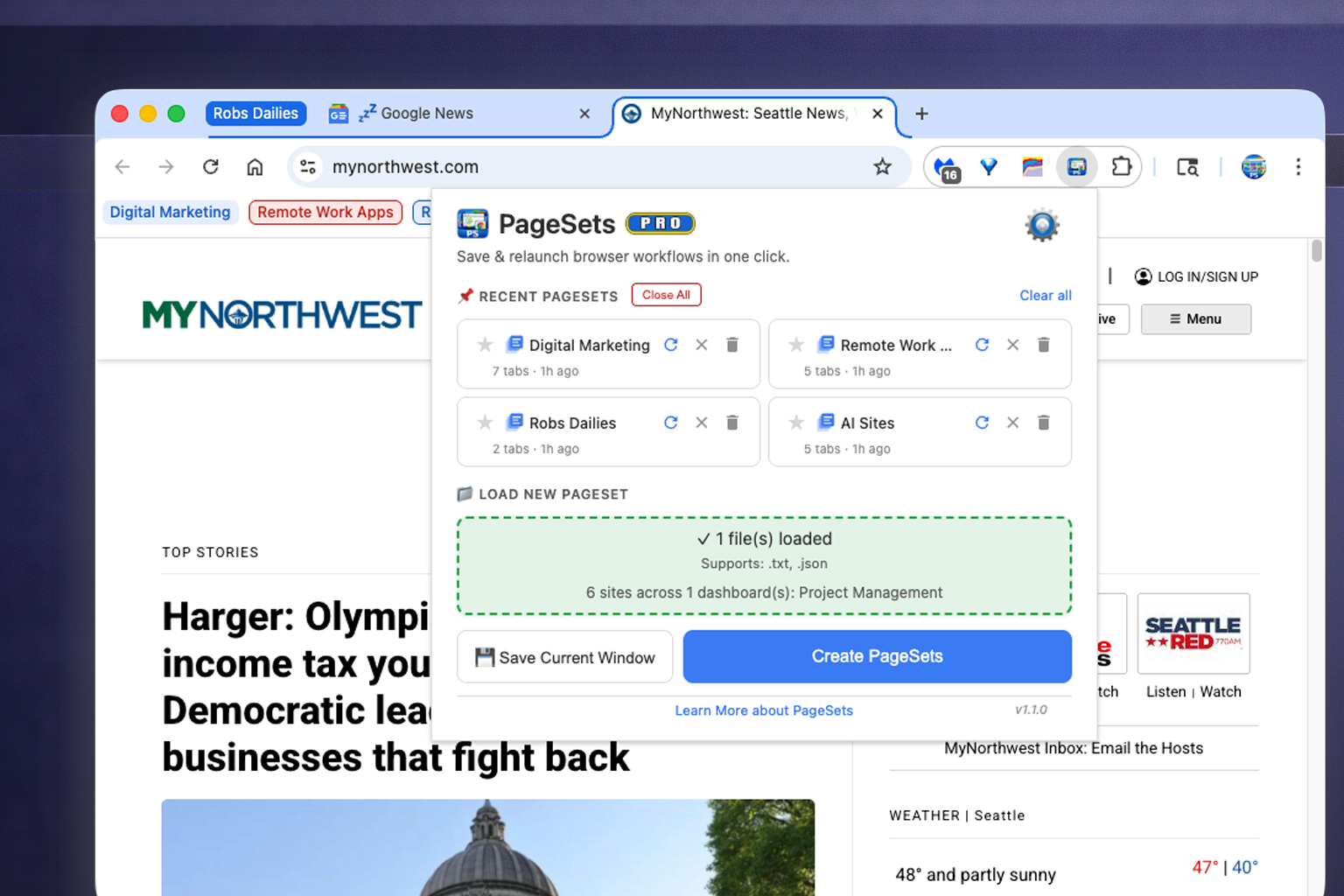
PageSets save dialog for creating a new workspace with URLs and tab group color

Relaunch Any Workspace Instantly

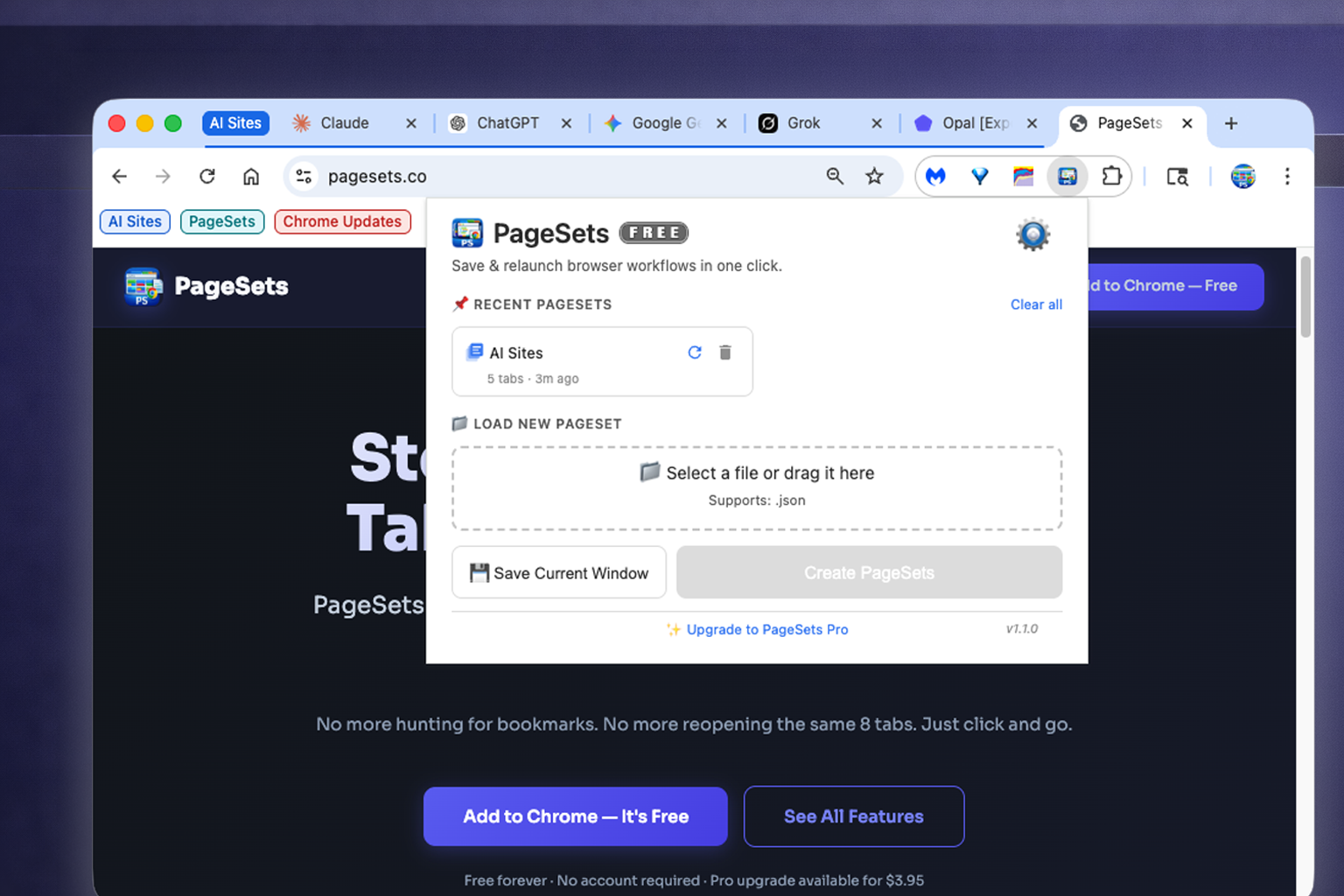
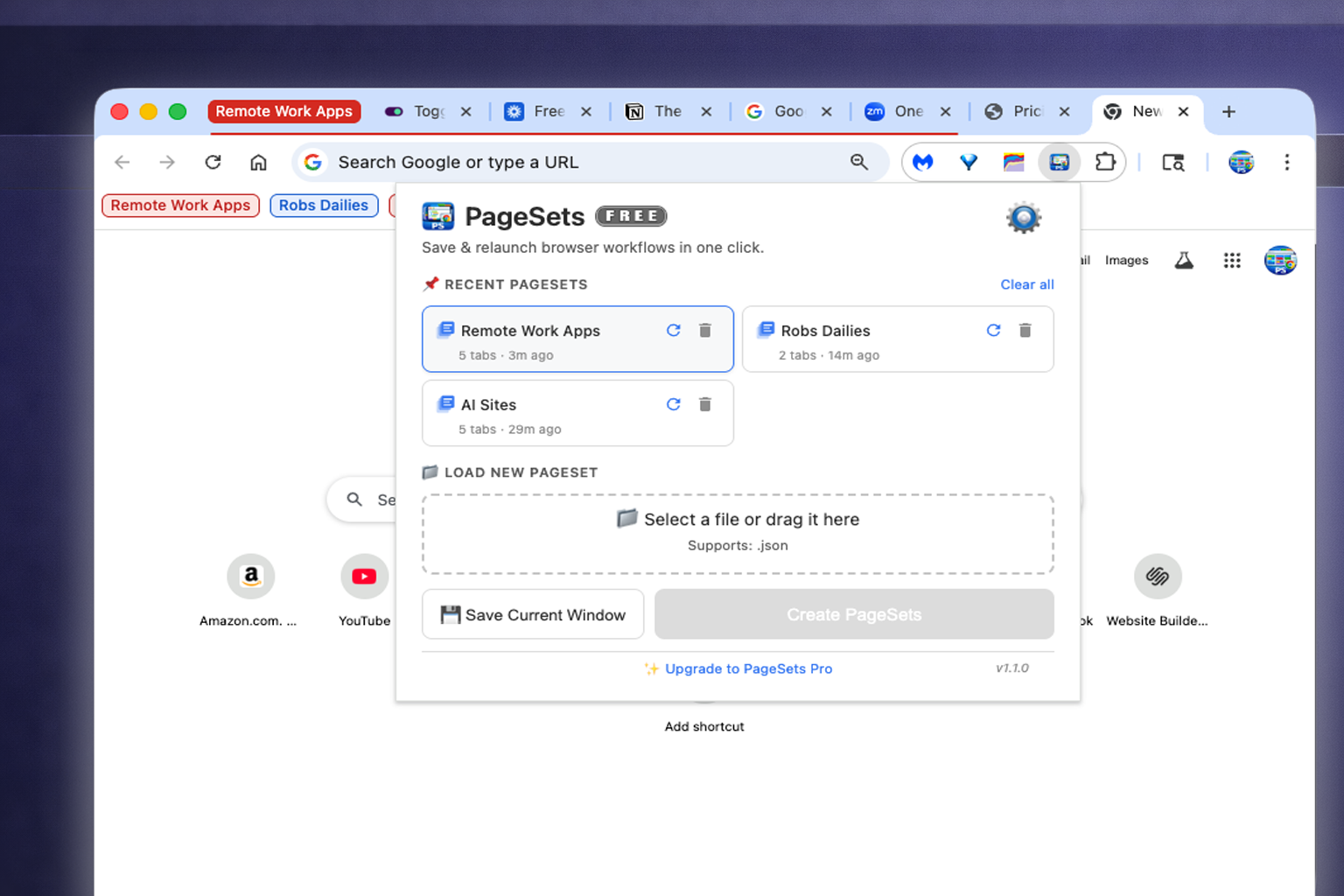
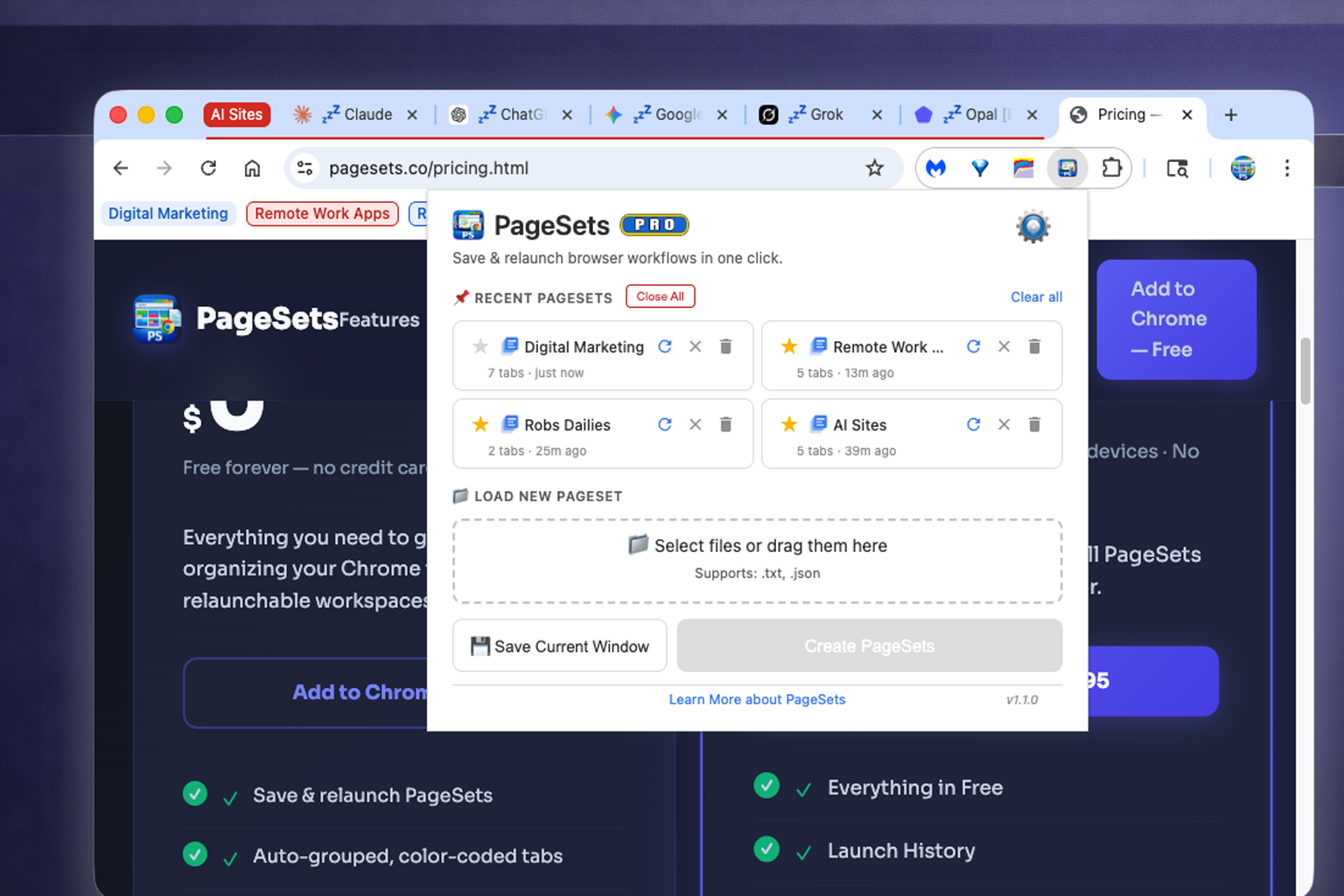
Click Relaunch on any PageSet and Chrome opens every URL in a neatly grouped, color-coded tab group — exactly as you defined it. No bookmarks. No typing. No hunting.

Close all tabs for a PageSet at once when you're done — one button cleans up the whole group.

  • All tabs open in a single grouped Chrome window
  • Tab group name and color applied automatically
  • First tab selected and ready to go
  • Close the whole PageSet with one click when done
PageSets popup with one-click relaunch button for instant workspace restore

Auto-Grouped & Color-Coded Tabs

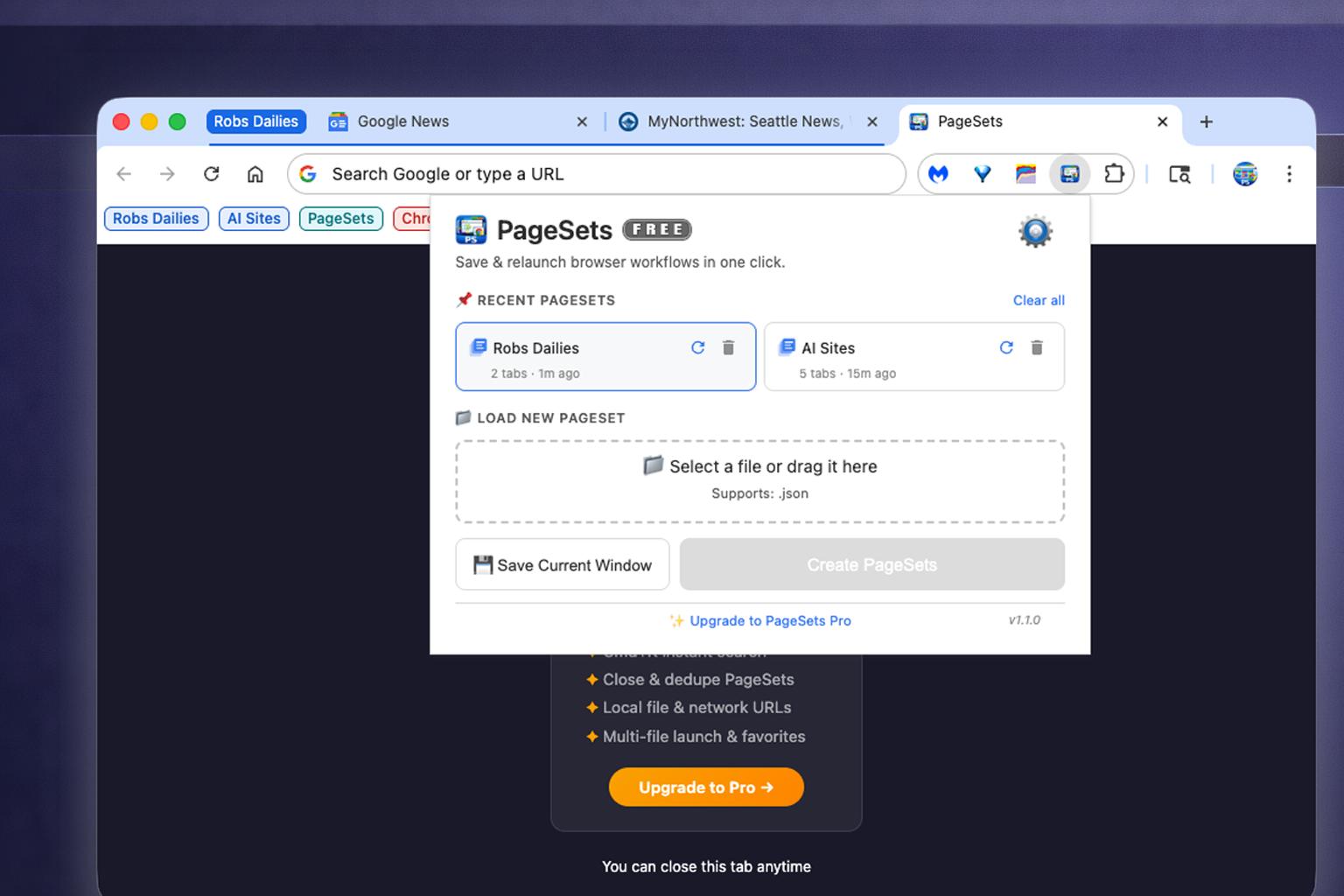
Every tab that PageSets launches is automatically placed into a Chrome tab group. No manual dragging, no reorganizing. Your workspace arrives organized.

Choose from Chrome's 8 native tab group colors so each PageSet has its own visual identity at a glance.

  • Chrome tab groups created automatically on launch
  • 8 color options: Grey, Blue, Red, Yellow, Green, Pink, Purple, Cyan
  • Your PageSet name becomes the group label
  • Groups are collapsible to reduce visual clutter
Chrome browser showing auto-grouped, color-coded tab groups created by PageSets

Quick Search

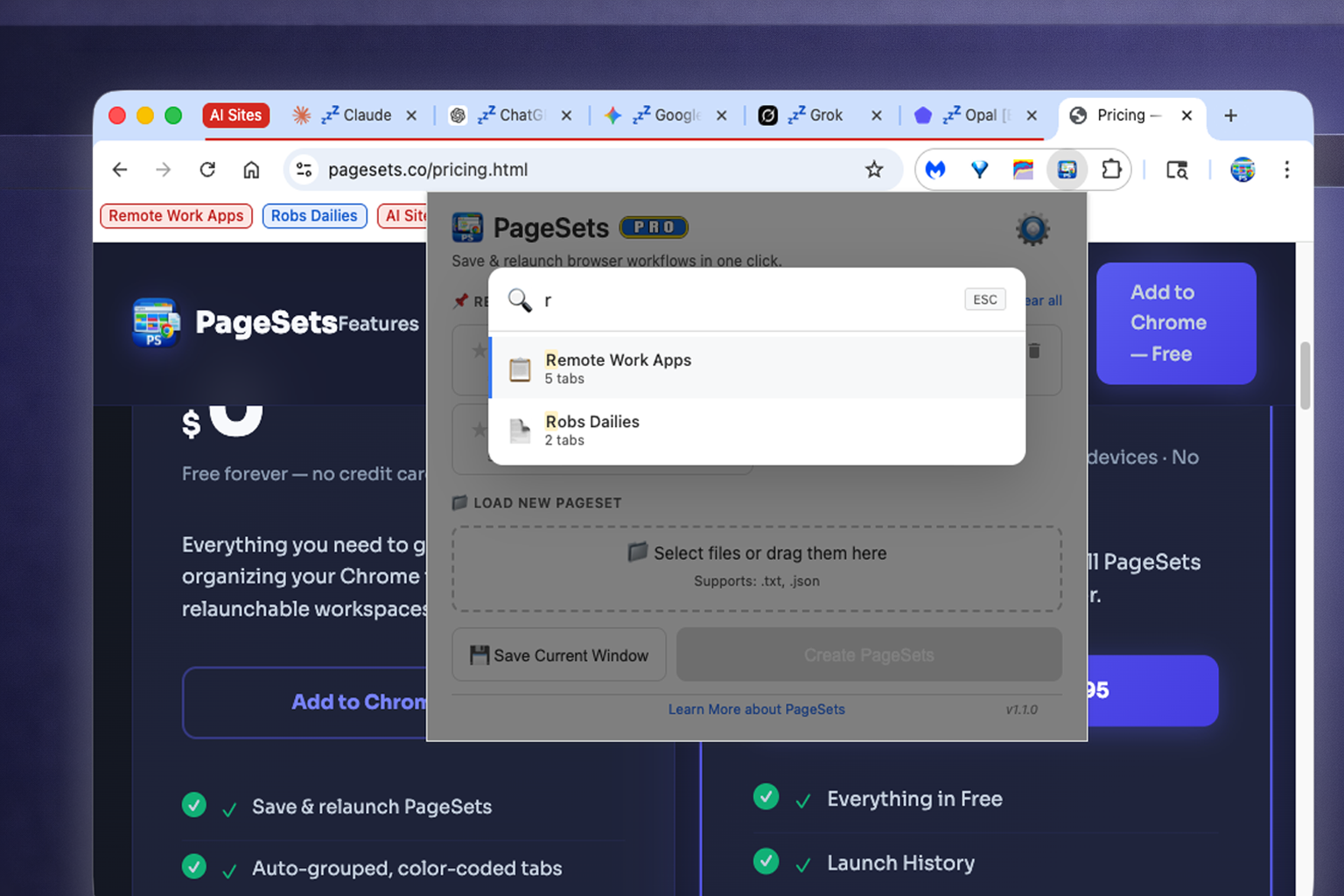
As your PageSet library grows, Quick Search keeps everything findable. Type a few letters and jump straight to the workspace you need — no scrolling required.

Search filters your PageSet list in real time as you type.

  • Instant filtering as you type
  • Works across all your saved PageSets
  • Press Enter to launch the top result
  • Available right in the extension popup
PageSets quick search filtering the workspace list in real time

Favorites

Star your most-used PageSets to pin them to the top of your list. Your go-to workspaces stay front and center — always one click away.

  • Star any PageSet to mark it as a favorite
  • Favorites float to the top of your list
  • Saved state syncs with your Chrome profile
  • Unfavorite anytime — PageSet stays in your list
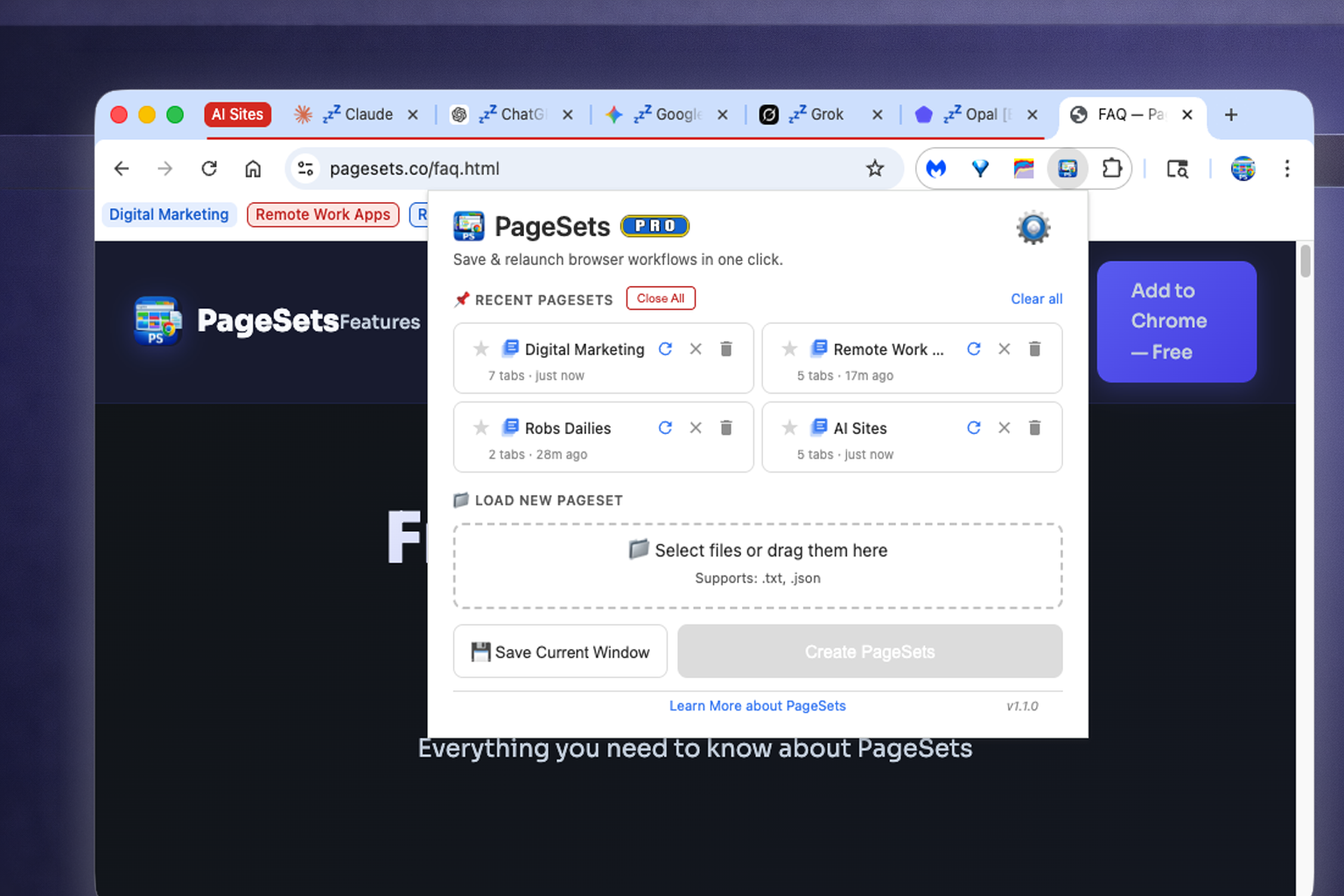
PageSets favorites list with starred workspaces pinned to the top

Launch History Pro

Pro users get a persistent history of recently launched PageSets. See what you launched and when, and jump back to any recent workspace without digging through your full list.

History cards show the PageSet name and launch time, with a quick-relaunch button right there.

  • Tracks your most recently launched PageSets
  • One-click relaunch from history cards
  • Export history for records or sharing
  • Import history to restore a previous session
PageSets Pro launch history showing recently opened workspaces with timestamps

Launch Notification

When a PageSet is launched, PageSets shows a brief confirmation page telling you what was opened and when. A clean signal that your workspace is ready — especially handy for large PageSets.

  • Quick visual confirmation on launch
  • Shows PageSet name and URL count
  • Auto-dismisses — no action needed
  • Toggle on or off in Settings
PageSets launch notification page confirming workspace name and tab count
Browser & OS Compatibility

Where PageSets Works

PageSets is built on Chrome's tab group APIs — available wherever Chromium runs.

🟢

Chrome

macOS · Windows · Linux · ChromeOS

Full support

🟢

Edge

macOS · Windows · Linux

Full support

🟡

Firefox

v138+ (all platforms)

Coming soon

Safari

macOS · iOS

Not supported

⚠️

Window Naming — macOS only (for now)

When you launch a PageSet, PageSets Pro names the Chrome window after your workspace — so you can see at a glance which window is which. This feature uses a macOS system integration and requires the PageSets Companion app (a small helper that handles system-level window renaming). It is currently available on macOS + Chrome only — contact support to get the companion set up. On Windows and Linux the window title doesn't update, but all other Pro features work exactly the same. Windows and Linux support is planned for a future release.

ℹ️

Why not Safari?

PageSets is built on Chrome's native tab group API — the same API that powers color-coded, named tab groups in the browser. Safari does not expose a tab groups API to extensions, which means the core functionality of PageSets can't be replicated there today.

Who Uses PageSets

Built for Anyone Who Juggles Projects

If you open the same tabs more than once a week, PageSets will save you time every single day.

👩‍💻

Developers

Keep a PageSet per project — GitHub repo, staging environment, docs, Jira board. Switch between clients without losing your place.

📊

Digital Marketers

One PageSet for analytics dashboards, one for social platforms, one per client. Launch exactly what you need for each morning standup.

🏢

Agency Teams

Create a PageSet for every client — their CMS, analytics, social accounts, and communication tools — ready to go in one click.

🗂️

Project Managers

A PageSet per project with your PM tools, docs, and comms. Always have the right context loaded when you need it.

🔬

Researchers

Save sets of sources and references by topic. Return to your research exactly where you left off — all tabs intact.

🏡

Remote Workers

Separate your "work mode" tabs from your personal tabs. End your day by closing your work PageSet — a clean mental shutdown.

Try PageSets Free

No account. No credit card. Start organizing your tabs in minutes.

Add to Chrome — It's Free